
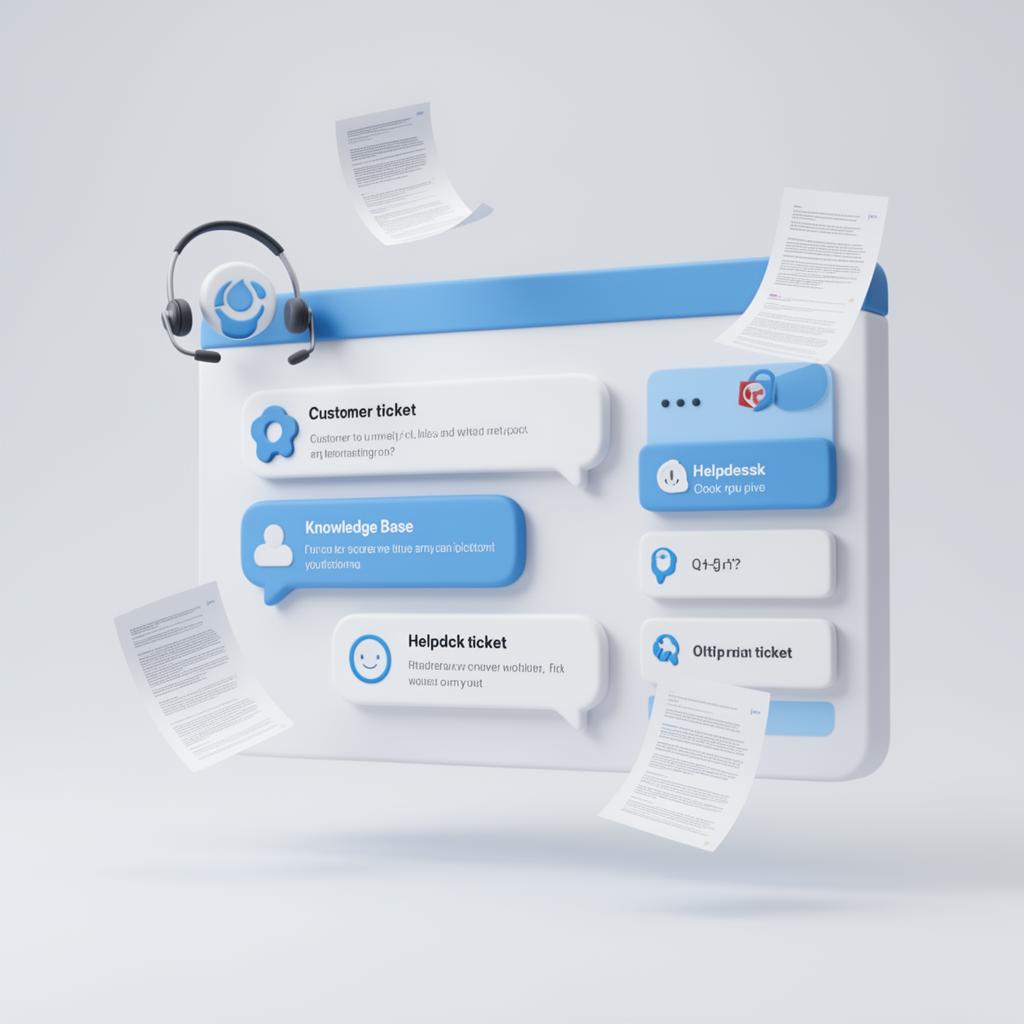
The operational tension
Facilities teams answer to two audiences at once: the occupant who wants a fault fixed today, and the owner who wants the shared cost explained at the end of the month. When requests live in phone calls and allocation lives in a spreadsheet, neither audience gets an answer that holds up.
- 01
Faults reach the site manager by phone and are never recorded.
- 02
Shared electricity, water and generator costs are split by hand every month.
- 03
Tenants and residents question a bill nobody can explain with readings.
- 04
Lift, pump and HVAC maintenance dates live in personal spreadsheets.
How WorkyBe solves it

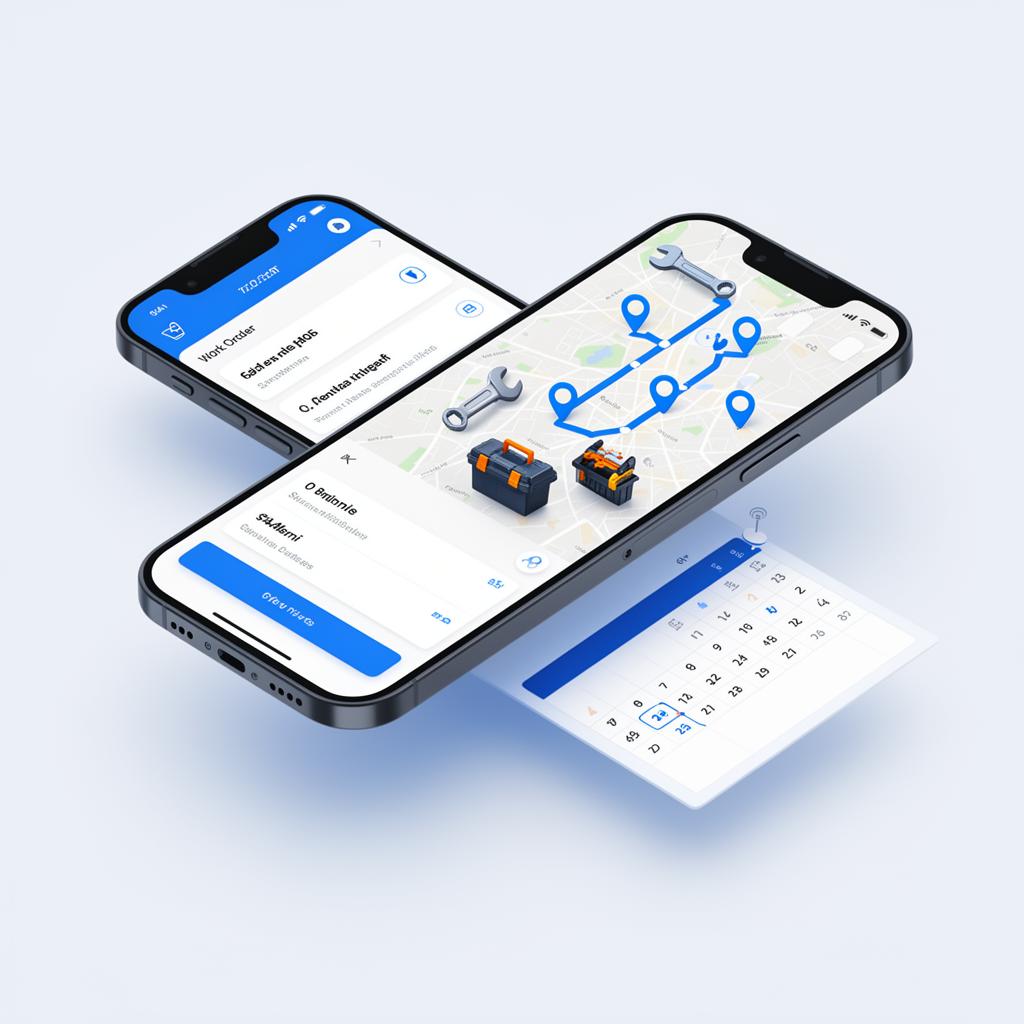



The first workflow to connect
- Step 1
Model the portfolio — building, floor, unit, shared area — and attach the equipment that serves each level.
- Step 2
Open the occupant request channel so every fault arrives with a location and a tracking number.
- Step 3
Put lift, pump, generator and HVAC maintenance on a calendar that opens its own work orders.
- Step 4
Bring meter readings in and allocate shared consumption by the rule the contract actually states.
The expected outcome
- Every request recorded, assigned and closed with evidence.
- A monthly allocation that can be reproduced from readings instead of defended from memory.
- Critical building equipment with no silent overdue maintenance.
What is included
- Request intake per building, floor and unit with approval steps.
- Maintenance plans for lifts, pumps, generators and HVAC.
- Automatic meter readings for units and shared areas.
- Shared cost allocation by area, equal share or measured usage.
- Per-unit billing documents that can be shared with occupants.
- Occupant portal for requests, readings and billing history.
What this looks like in practice
An occupant questions the shared electricity line on their statement. The site team opens the same period, shows the shared-area reading, the allocation rule and the unit share behind it, and the conversation ends in one screen instead of a month of email.
Frequently asked questions
- How does WorkyBe distribute shared building costs?
- WorkyBe distributes shared consumption by the selected rule: equal share, floor area or measured usage, keeping the calculation behind each bill visible.
- Can occupants see only their own data in WorkyBe?
- Yes. WorkyBe limits each account to its own unit: readings, billing history and requests, with no access to other occupants.
- Can external service companies use WorkyBe?
- Yes. WorkyBe gives service providers a restricted account limited to the jobs and equipment assigned to them, with their own price list.
- Can several buildings be managed together in WorkyBe?
- WorkyBe organises buildings, campuses and teams in a hierarchy, so a portfolio manager compares sites while a site team only sees its own.
See it on actual data
Book a short demo for a guided walkthrough of the sites, meters and teams.