
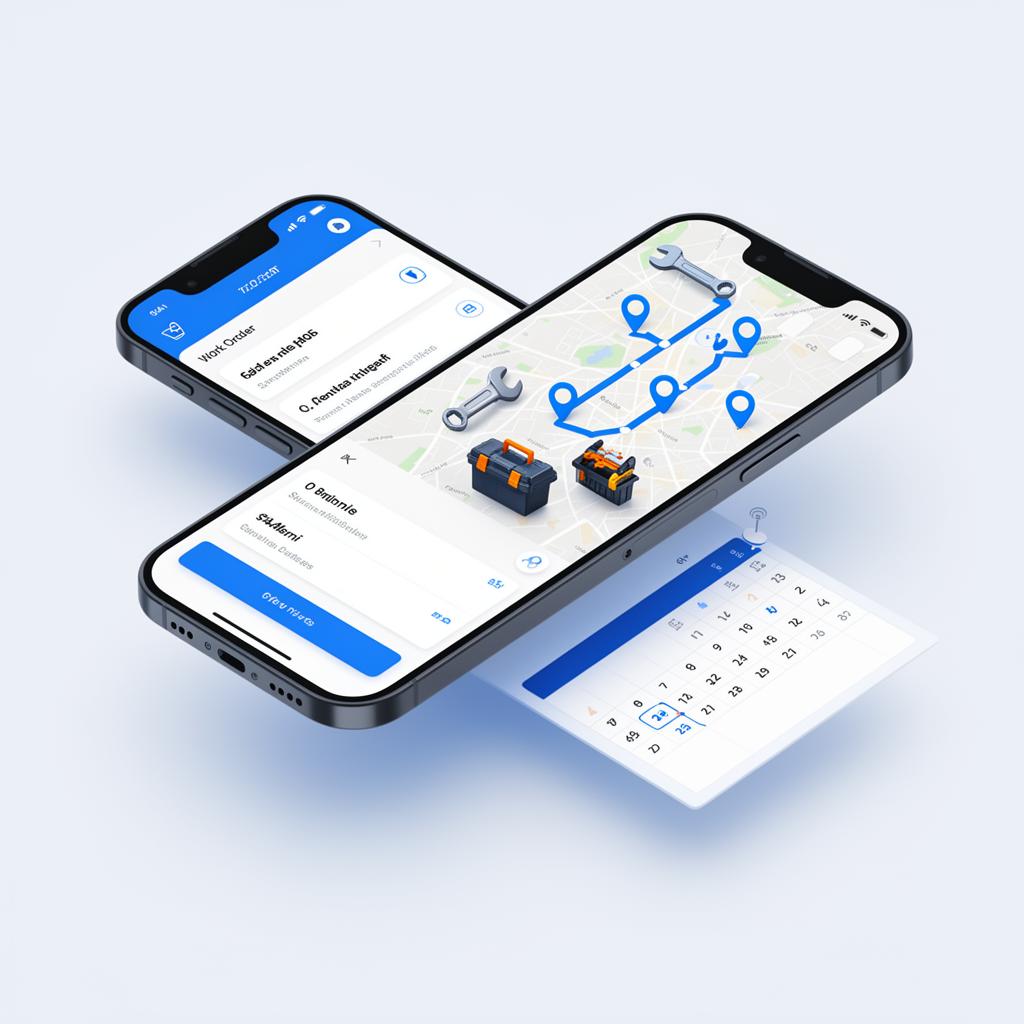
The operational tension
Dispatch by phone works until the day it does not. The job gets done, but the evidence, the parts and the travel time never make it back into a system, so profitability per job and service level are both estimates argued about after the customer complains.
- 01
Jobs are dispatched by phone and tracked in personal notes.
- 02
Completion evidence is missing when the customer asks for it.
- 03
Labour, parts and travel costs are collected after the fact, if at all.
- 04
Nobody knows what the field team is doing right now.
How WorkyBe solves it

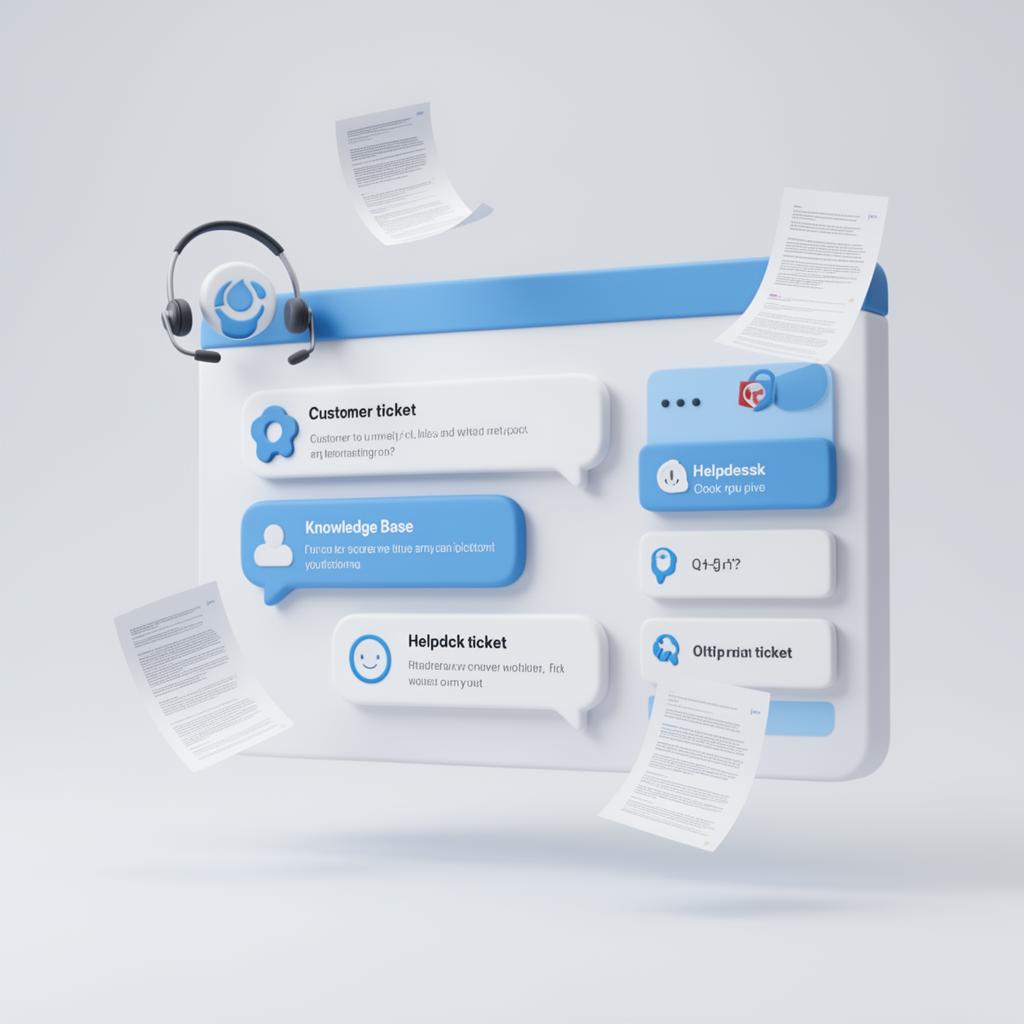

The first workflow to connect
- Step 1
Shape the work order form around the existing process: sections, fields, job types and mandatory evidence.
- Step 2
Assign by team, skill, region or contractor, with SLA targets attached to the job.
- Step 3
Let the technician work in the mobile app — checklist, photos, signature, offline when there is no coverage.
- Step 4
Collect labour, parts and travel on the job, and open the customer portal for status.
The expected outcome
- A dispatch board that shows what the field team is doing now, not what it reported yesterday.
- Completion evidence available the moment a customer asks for it.
- Cost per job, customer and team collected during the work instead of reconstructed after it.
What is included
- Configurable work order form with custom fields and sections.
- Assignment by team, skill, region or contractor.
- Mobile app with photos, checklists, signature and offline mode.
- Labour, part and travel costs collected on the job.
- SLA rules with response and resolution targets.
- Live map, daily plan and a customer portal for request status.
What this looks like in practice
A customer disputes a callout. The job record holds the arrival time, the checklist the technician completed, the photo of the replaced part and the signature taken on site — and the second visit on the same fault is visible as a repeat, which is the conversation worth having.
Frequently asked questions
- Can the WorkyBe work order form match our own process?
- WorkyBe supports reordering, renaming, hiding or requiring sections and fields, and using different forms for different job types.
- How does WorkyBe handle contractors?
- WorkyBe gives contractors only their own jobs, their own price list, and keeps their costs separate from internal labour.
- Does a WorkyBe technician need a connection all day?
- No. The WorkyBe mobile app works offline and uploads the job, its photos and its signature once coverage returns.
- Can customers follow their own requests in WorkyBe?
- Yes. The WorkyBe customer portal shows requests, their status and completed job reports without access to internal data.
See it on actual data
Book a short demo for a guided walkthrough of the sites, meters and teams.